






Weld seam analysis – precise, fast and standard-compliant.
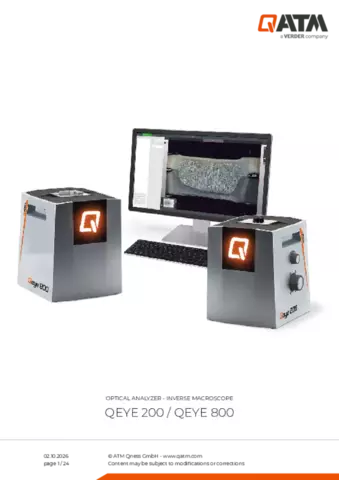
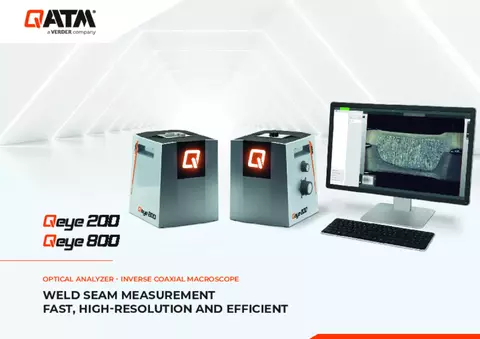
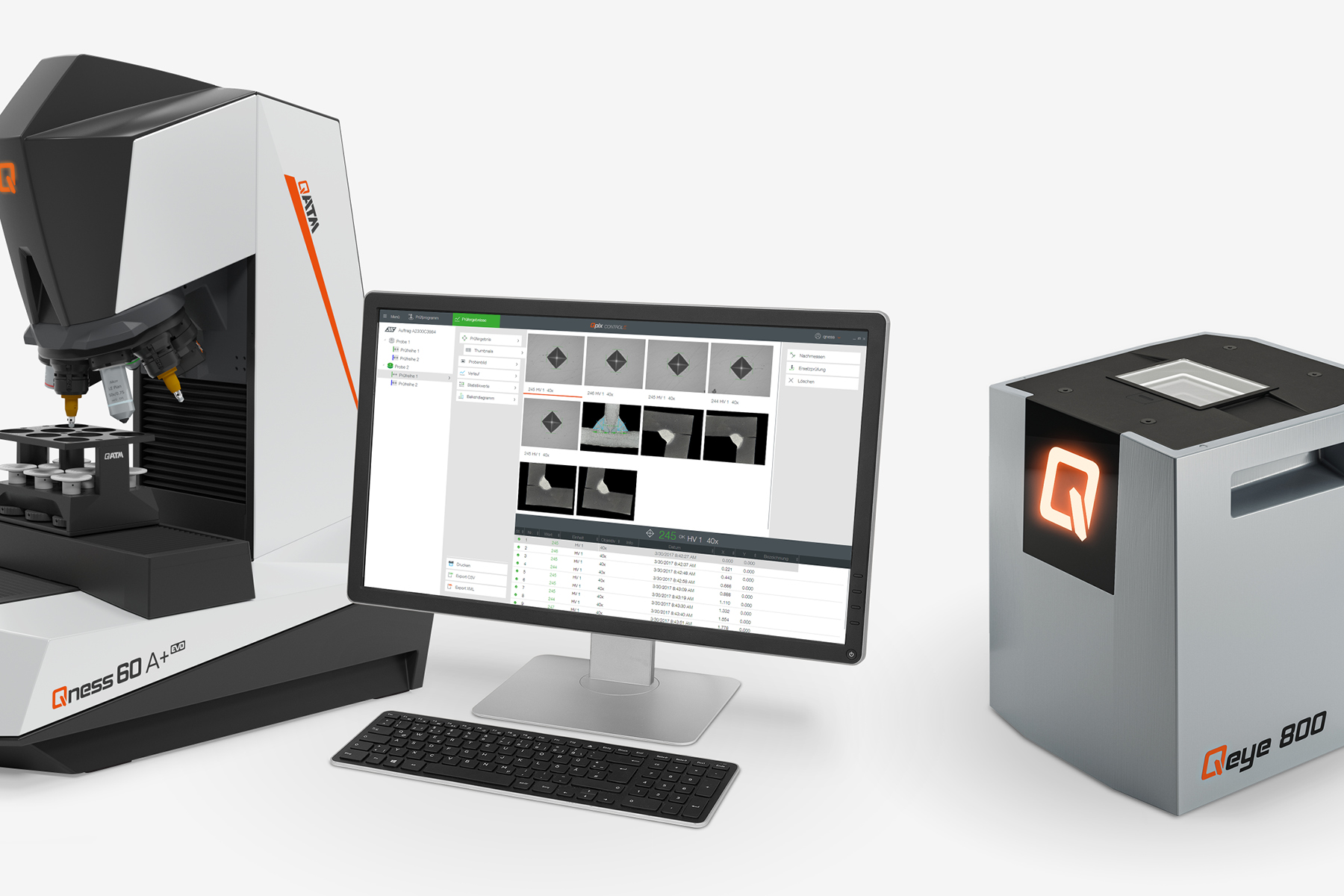
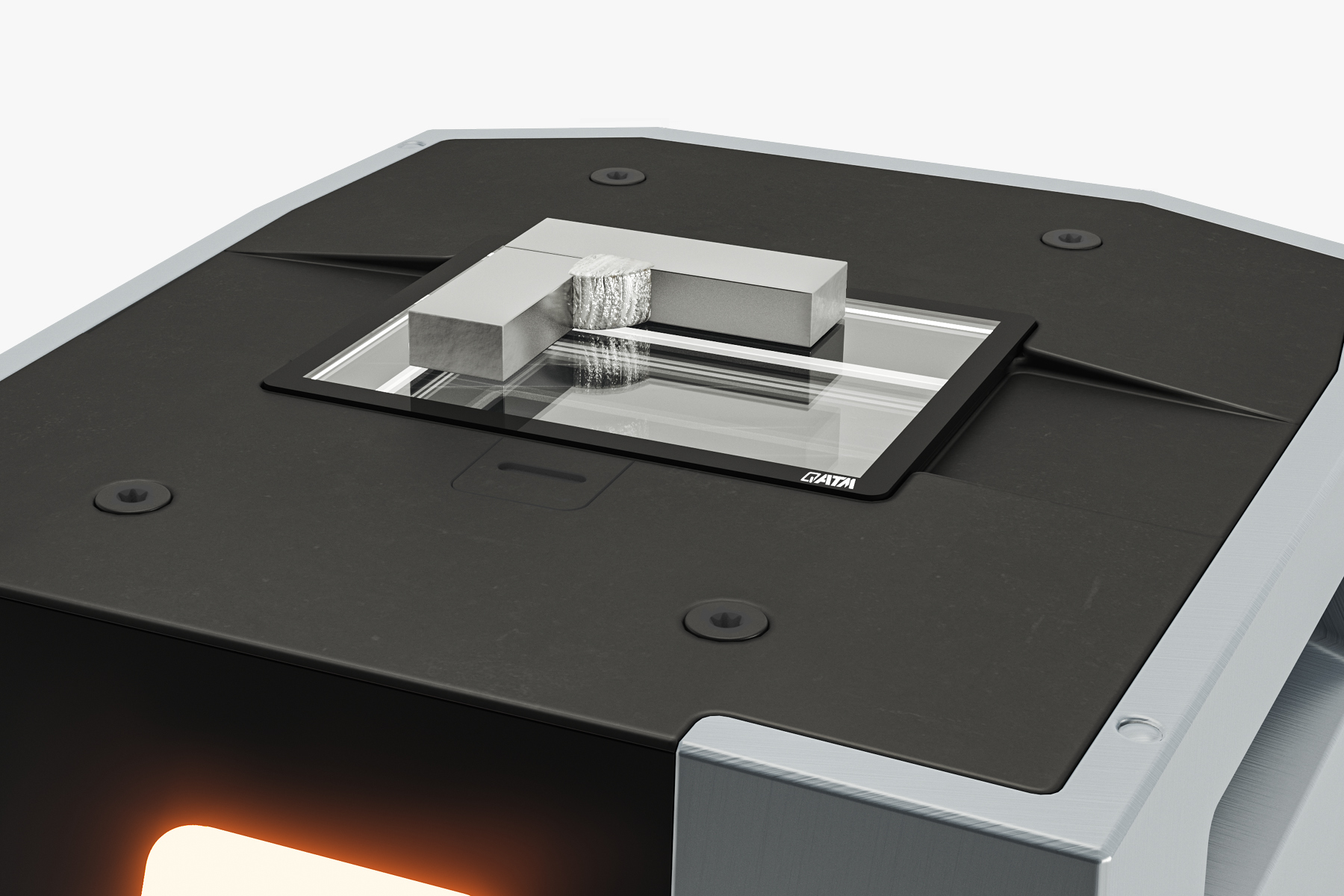
The Qeye 200 and Qeye 800 optical analysis systems by QATM set new benchmarks in visual quality control. As inverse macroscopes, they enable high-resolution image capture and precise measurement of weld seams, solder joints and components – directly on the macro-section.
The Qeye 200 specialises in the analysis of demanding laser welds – ideal for the automotive industry, electronics, and research and development in joining technology. The Qeye 800 excels in series production and materials testing, for example in steel construction and plant engineering, where weld shape, penetration depth and potential defects need to be assessed reliably.
Both systems deliver reproducible results in accordance with international standards such as DIN EN ISO 5817, supported by Intelligent Area Illumination and the powerful Qpix Control2 software – for laboratories that make no compromises on quality or throughput.
Product Video

Compact precision for detailed macrosection analysis
- Quality inspection of laser welds in the automotive industry
- Inspection of delicate welded joints in electronics and precision engineering
- Analysis of narrow deep welds in series production
- Process monitoring and optimisation in manufacturing
- Research and development in the field of laser welding processes

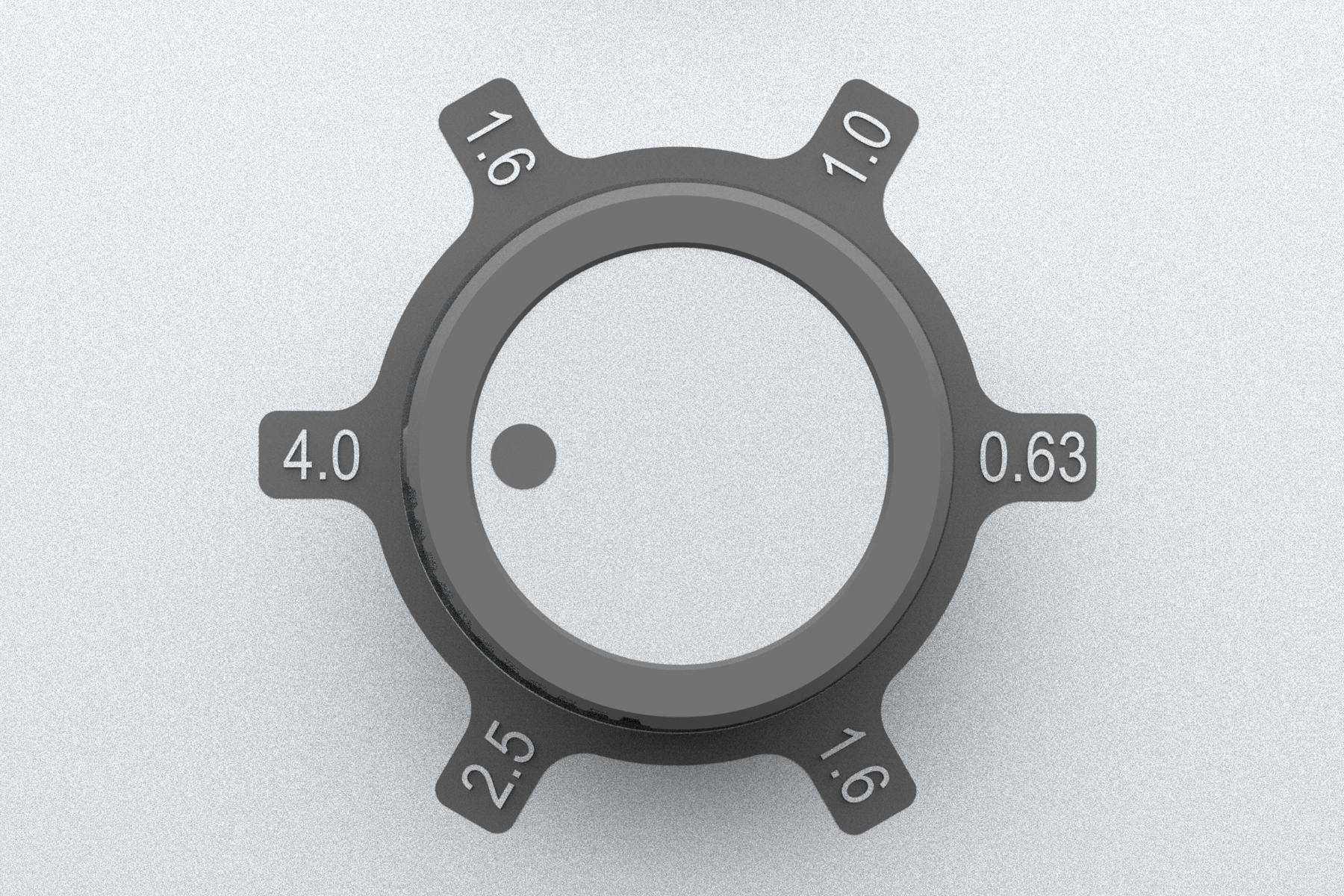
Zoom scroll wheel
A handwheel allows for convenient and precise adjustment of the magnification range. Five pre-set steps ensure quick adapta-tion to different observation requirements

14.9 x 11.2 mm
Field of view
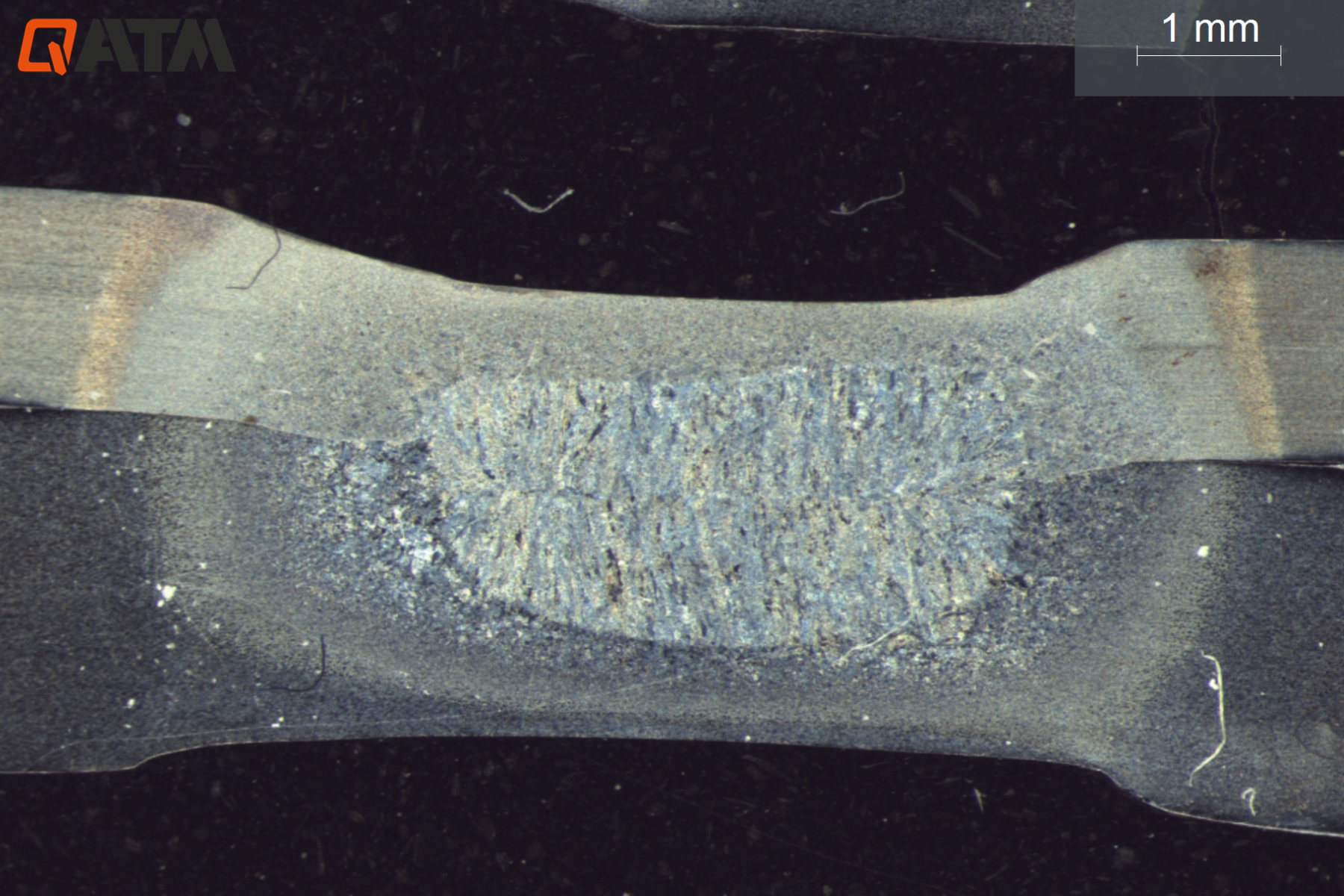
9.3 x 7 mm
Field of view
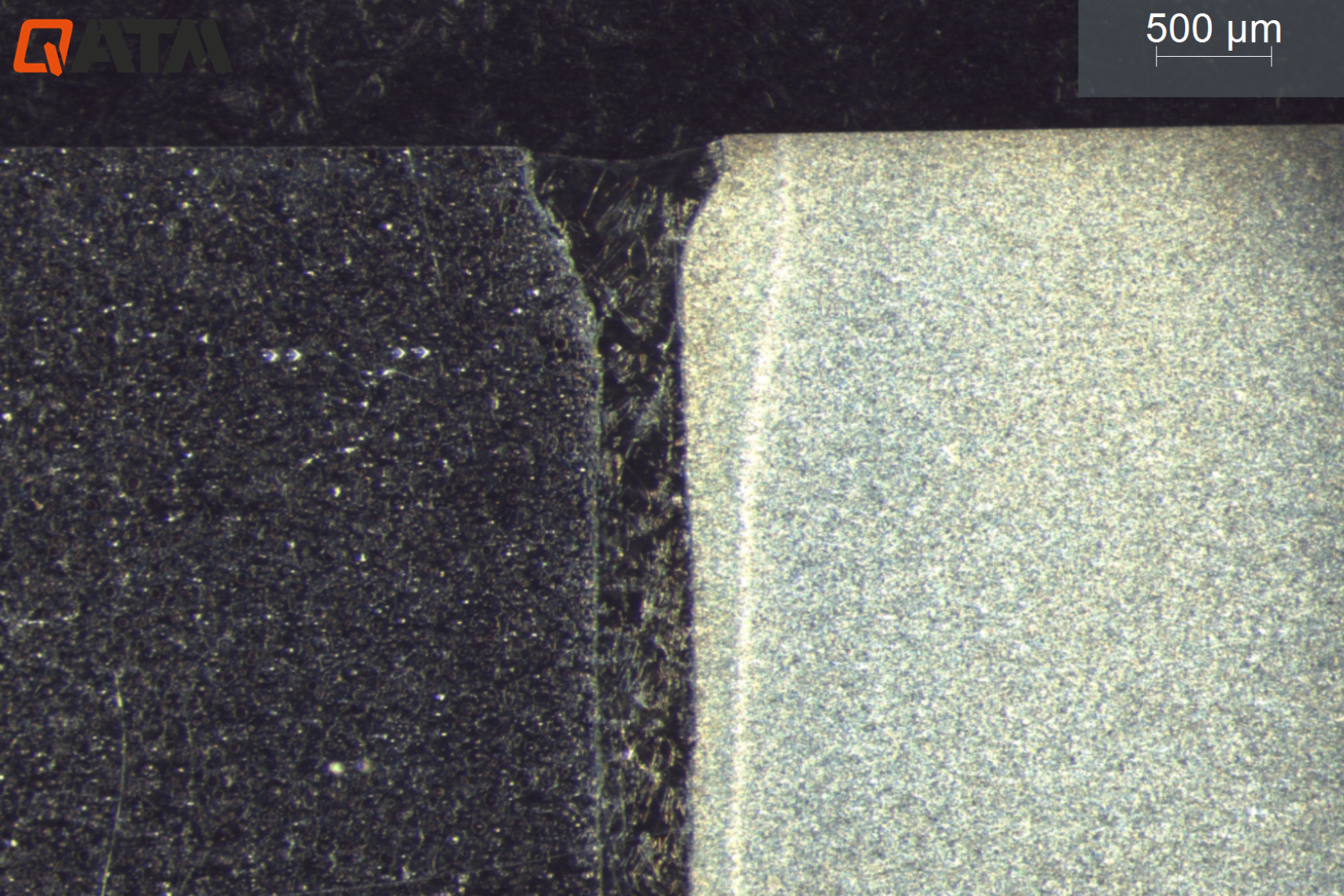
5.9 x 4.5 mm
Field of view

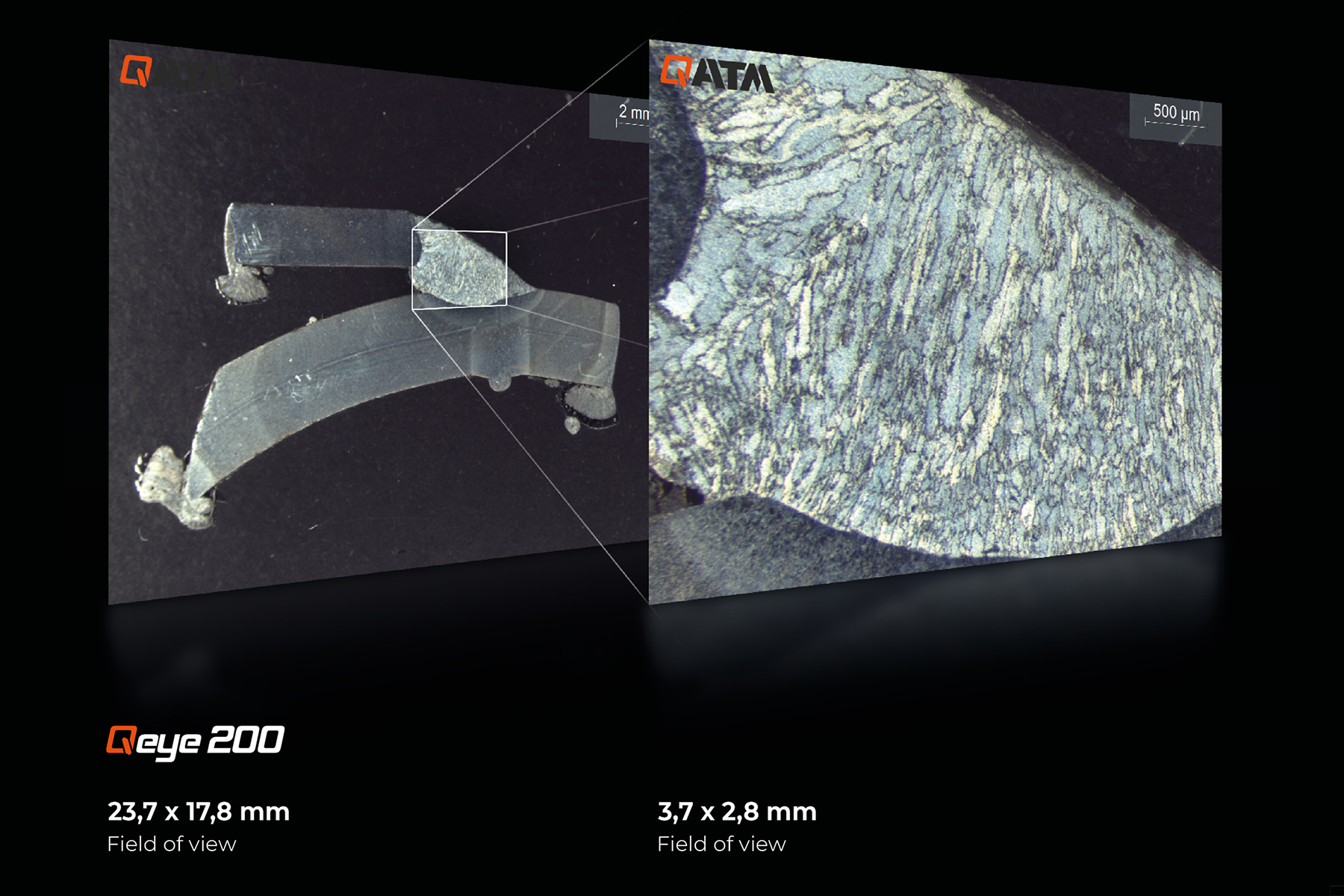
Qeye 200 | 4K Ultra HD Inverse coaxial macroscope
- 12 megapixel camera system
- Zoom levels: 0.63x – 1x – 1.6x – 2x – 4x
- Field of view ranging from 23.7 x 17.8 mm to 3.7 x 2.8 mm
- Integrated automatic brightness control
- Manual fine-tuning

Precise macro-section analysis for quality and safety
- Quality control of welds in series production
- Material testing in testing laboratories
- Analysis of weld penetration, weld shape and potential defects
- Applications in the automotive industry, steel construction and plant engineering
- Research and development in the field of joining technology
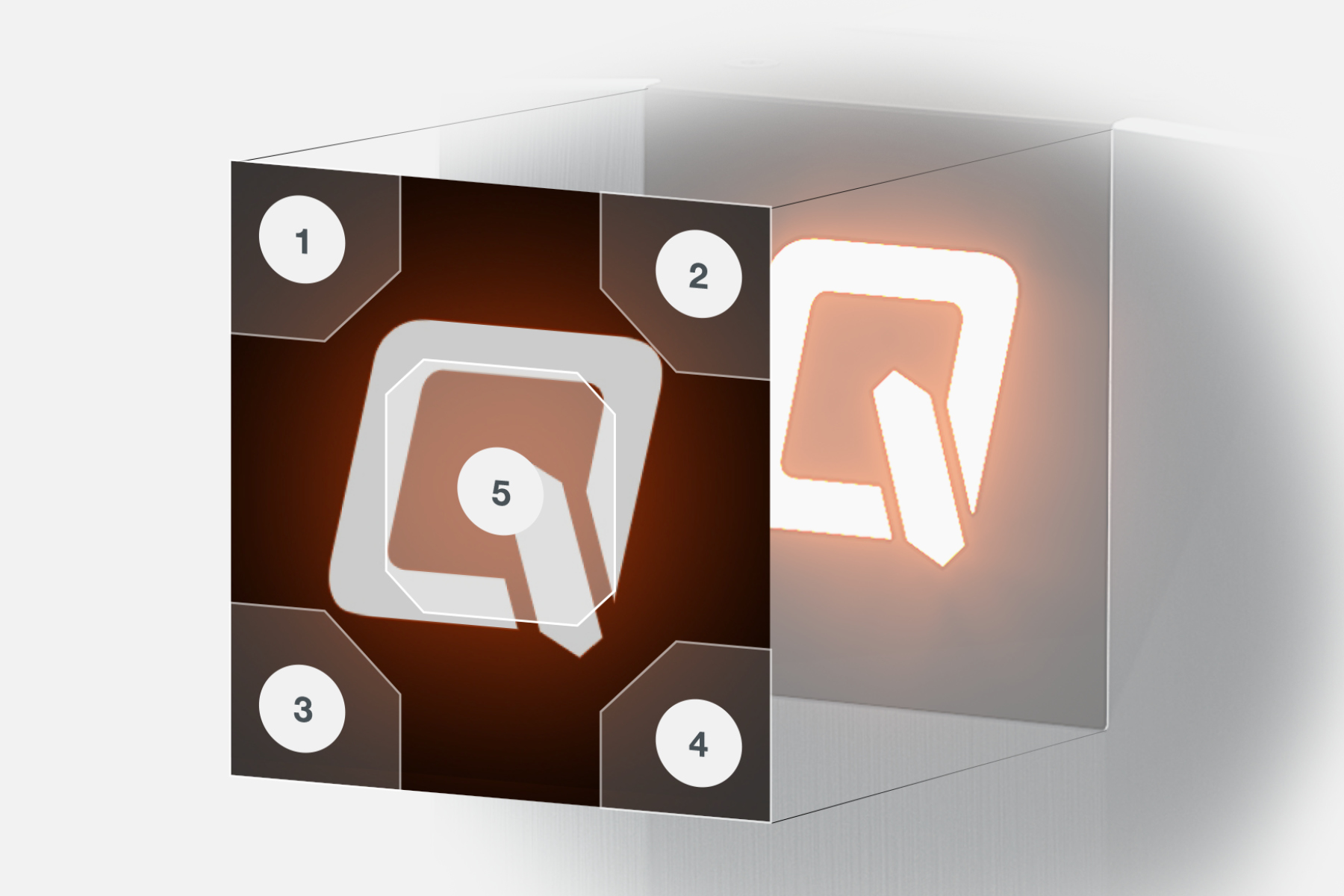
Programmable touch panel
The touch panel can be programmed with the following five functions as required: zoom in, zoom out, turn all lights off, turn all lights on, and start analysis.
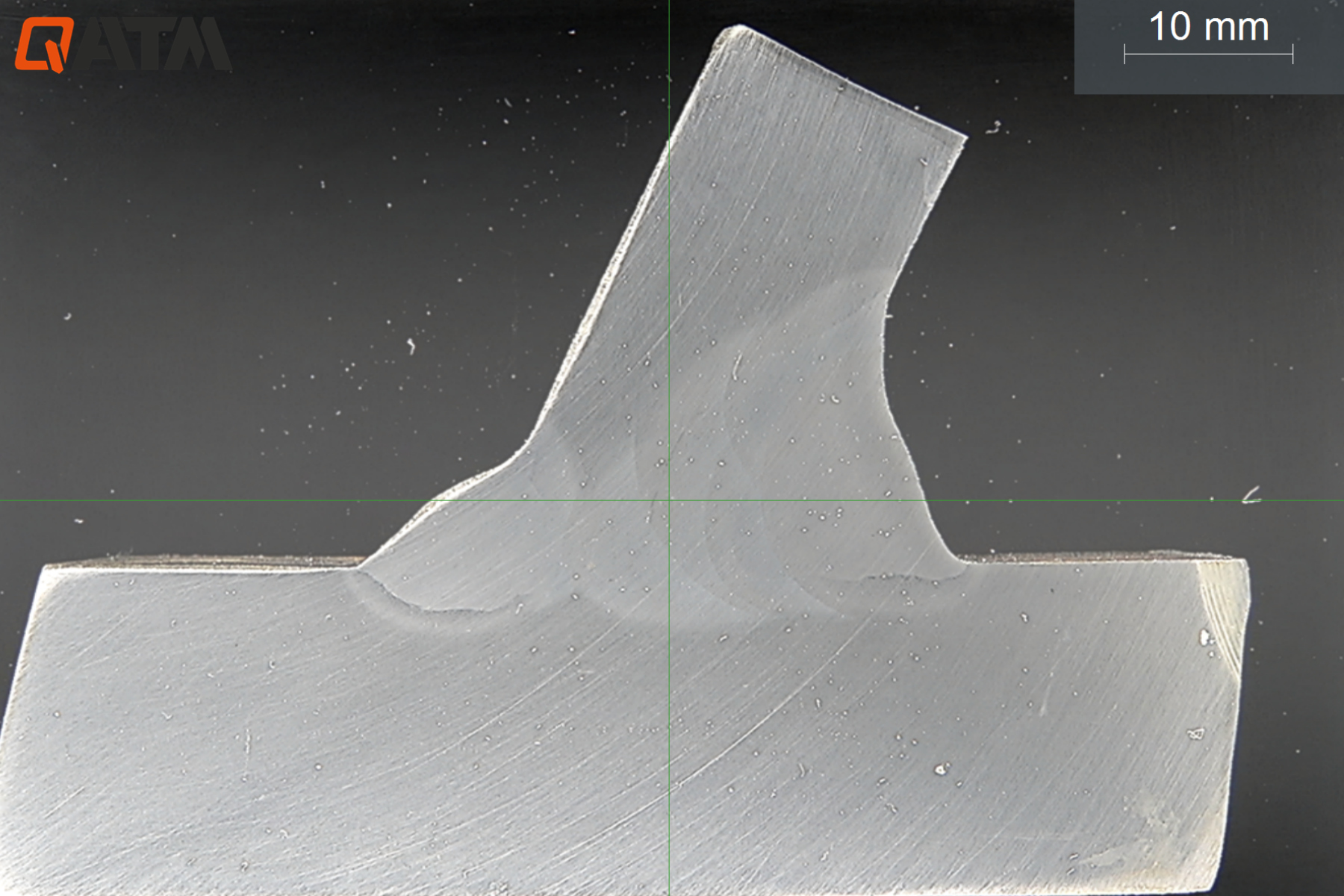
80 x 60 mm
Field of view
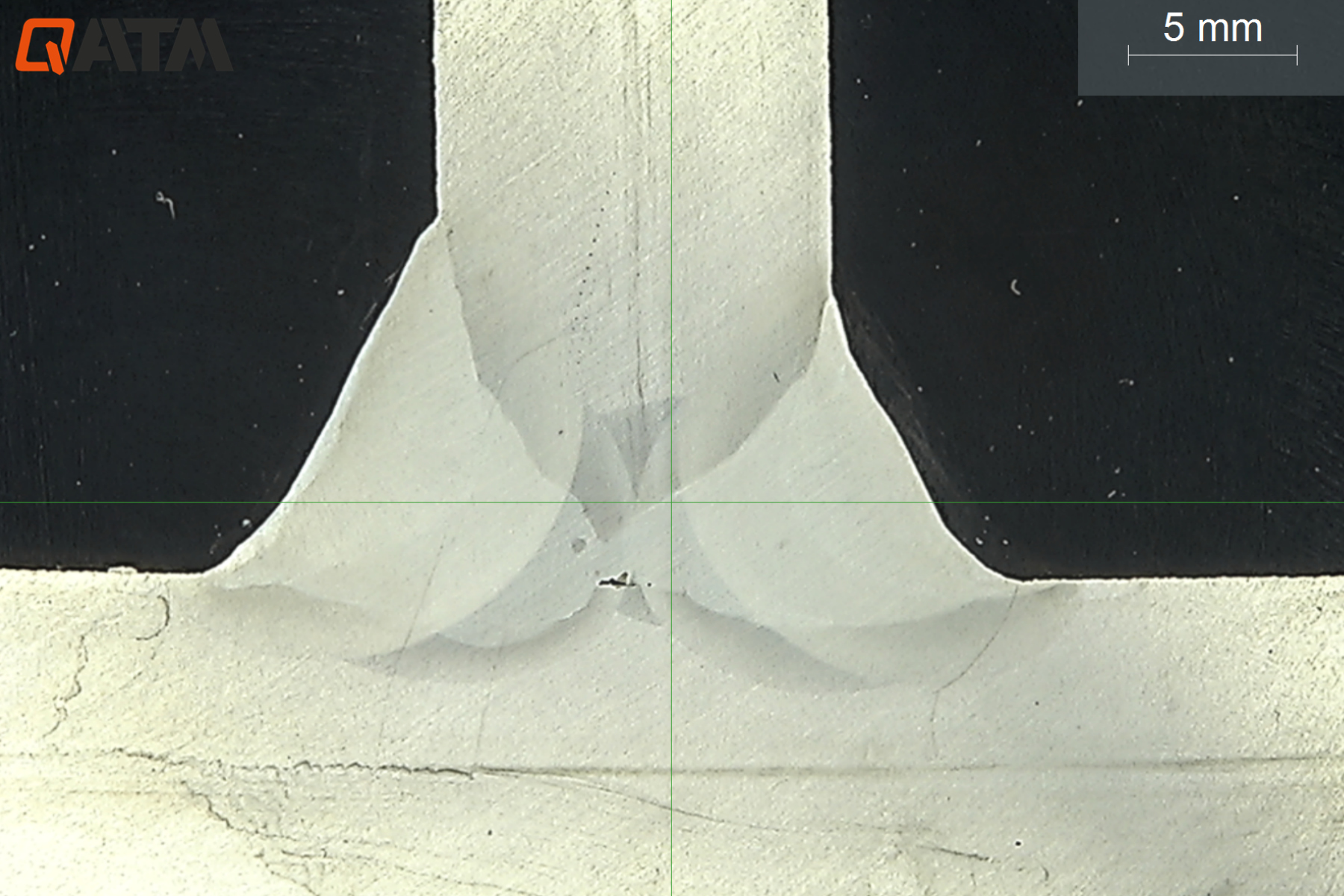
40 x 30 mm
Field of view
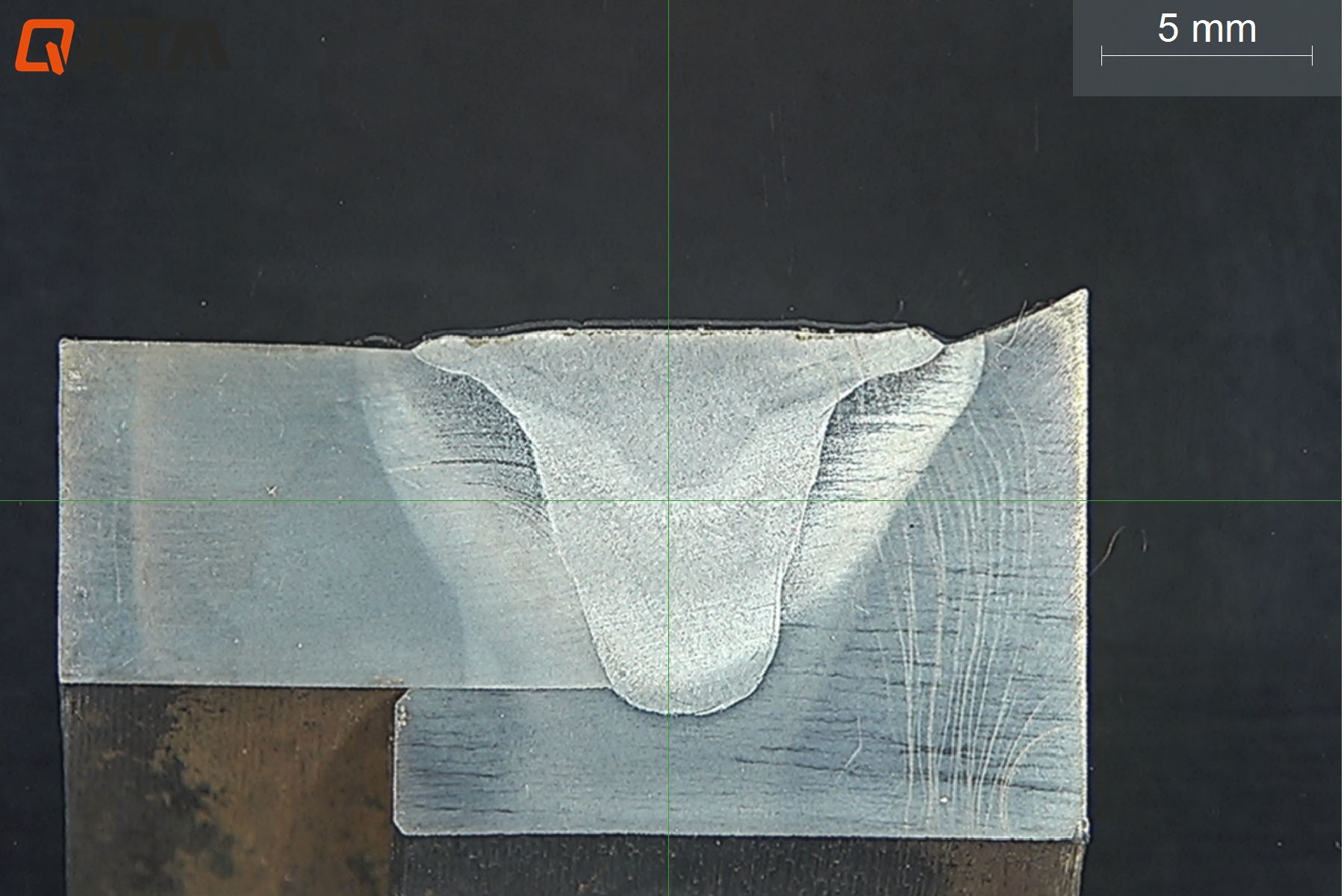
32 x 24 mm
Field of view
Qeye 800 | 4K Ultra HD Inverse Macroscope
- 8.5 megapixel camera system
- Zoom levels: 1x – 1.5x – 2x – 2.5x – 4x – 5x
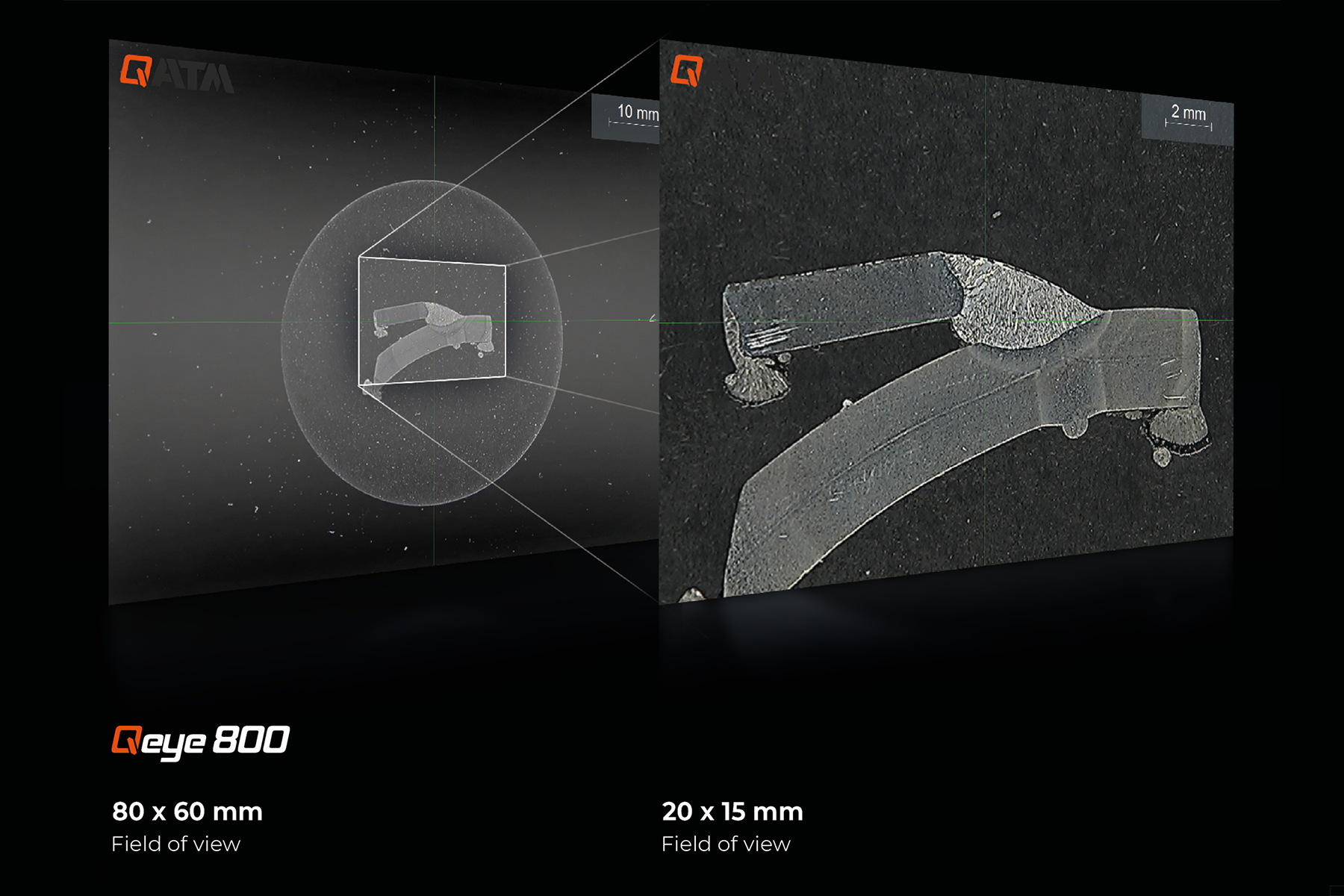
- Field of view 80 x 60 mm – 16 x 12 mm
- Integrated automatic focus and brightness control
- Focus plane manually adjustable for measuring non-planar components
Areas of application Inverse Macroscopy
| Areas of application | Qeye 800 | Qeye 200 |
| Macro welds | ✔✔✔ | ✔ |
| Laser welds | ✔ | ✔✔✔ |
| Visual inspection for surface defects | ✔✔ | ✔✔ |
| Visual inspection of components/PCB assessment | ✔ | ✔✔✔ |
Innovative operation Convincing benefits

Optimized specimen illumination
IAI = Intelligent Area Illumination. The Qeye system features innovative LED analysis area illumination. Each of the 4 illumination profiles (right, left, front, rear) can be switched on or off smoothly and individually. This now enables faster and more precise testing, without the disturbance of light influences or grinding reflections.
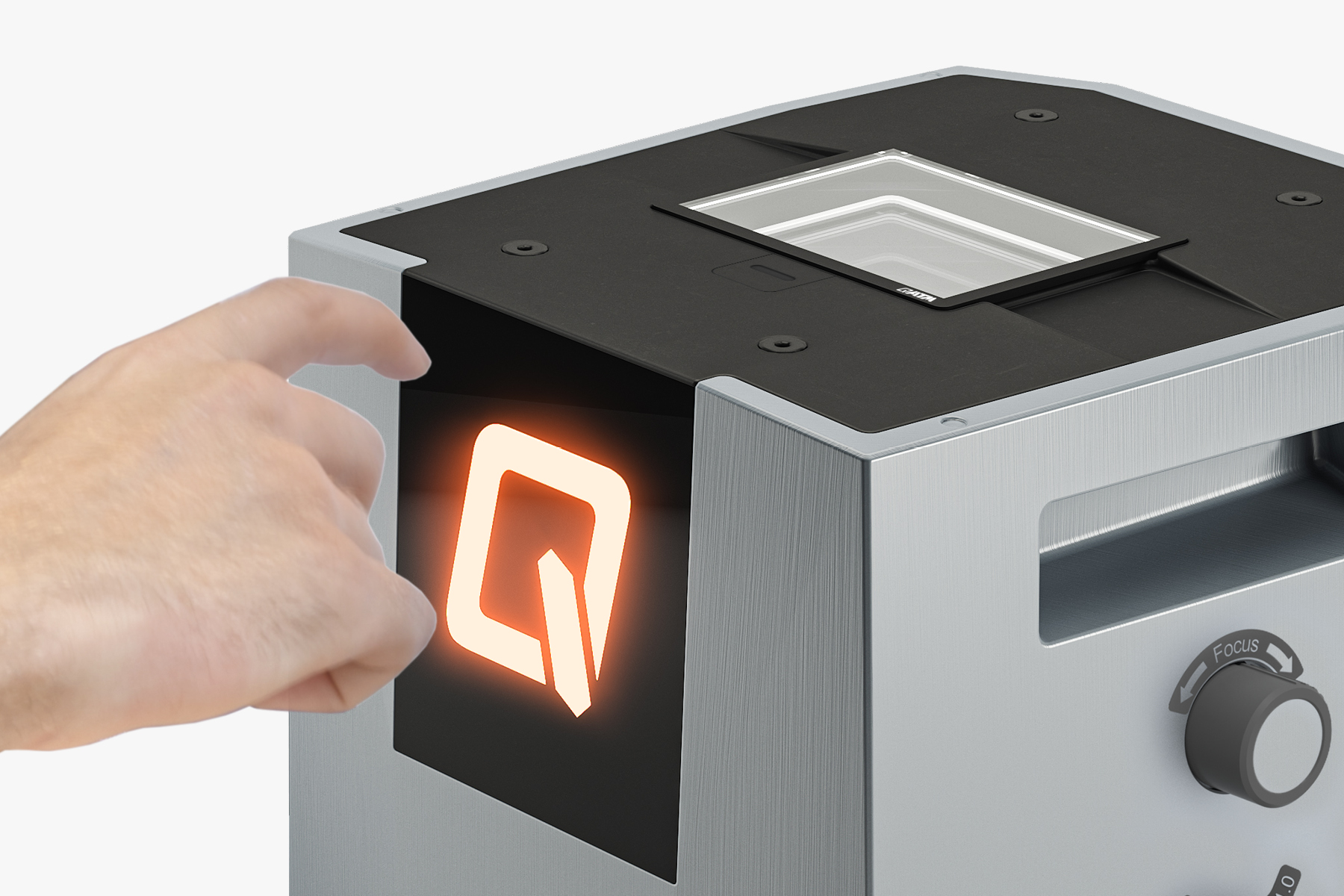
Touch control panel
Qeye offers impressive ease of use via freely programmable capacitive buttons. Once centered, the Q lights up to indicate the current status, and used to trigger imaging. The buttons located in the corners can be configured to control LED illumination, zoom, field of view and brightness. The soft-touch control panel is responsive, even when used with gloves.

Qpix Control2
Operated by tried and trusted Qpix Control2 software. Combination of hardness testing and optical analysis in a familiar user interface using just one PC. Efficient measurement and inspection of weld specimens in seconds, live image, 3D Smartview and a uniform reporting system for hardness testing and macro analysis.
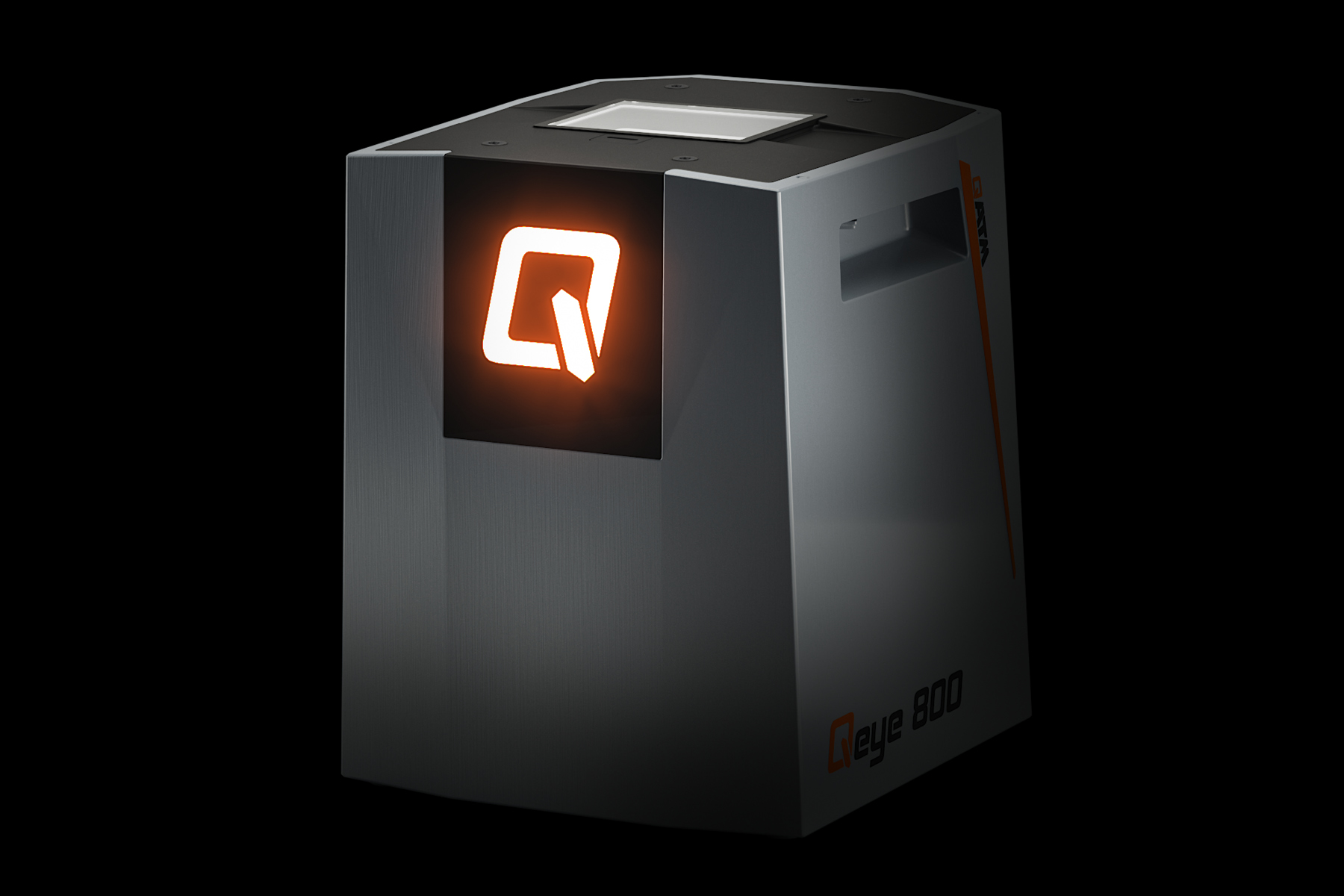
Features and benefits
Qeye saves time, providing detailed analysis and measurement with supreme accuracy. Robust modern industrial design. Easy replacement of the glass sample carrier. Absolutely dust-tight due to assembly in a clean room.
IoT - Internet of things The platform for remote access to your devices
All QATM hardness testers with QpixControl2 and QpixT2 software seamlessly integrate into the Verder Scientific IoT platform, providing enhanced functionality and seamless connectivity.

- Real-time Monitoring: Monitor your machinery in real time, from anywhere in the world. This data-driven approach empowers you to make informed decisions with ease.
- Live Notifications: Be ahead of the curve with immediate alerts and updates. Real-time notifications ensure you stay informed about your equipment's performance, leading to proactive maintenance.
- Effortless Backup: Simplify your data protection. Whether you need to back up a single device or an entire fleet, our platform streamlines the process, minimizing downtime and data loss.
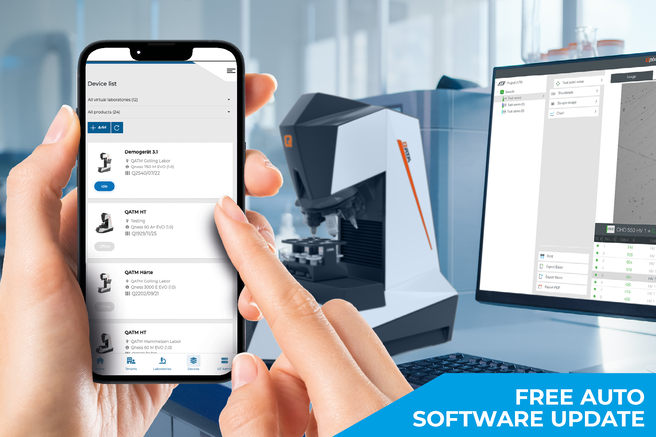
- Automatic & Free Software Updates: Bid farewell to manual updates! Verder Scientific IoT ensures your customers' machines are consistently equipped with the latest software, optimizing performance and reliability.

Welding samples
Qeye guarantees fast, simple, precise, standardized weld inspection, and displays all irregularities. Documentation of abnormalities can be added to a measurement at any time. The use of template systems in reporting ensures unlimited precise repeatability and reliability regarding weld inspection procedures, measurement sequences and limit values.
Applications Benefits of practical experience

{{LL::products.qeye_800.applications.metering_tools.hl]}
Precise measurement tools ensure the fast and easy measurement of weld specimens. Lengths, angles, circle, polygons for area or perimeter calculations. Zoom and brightness can be calibrated individually.
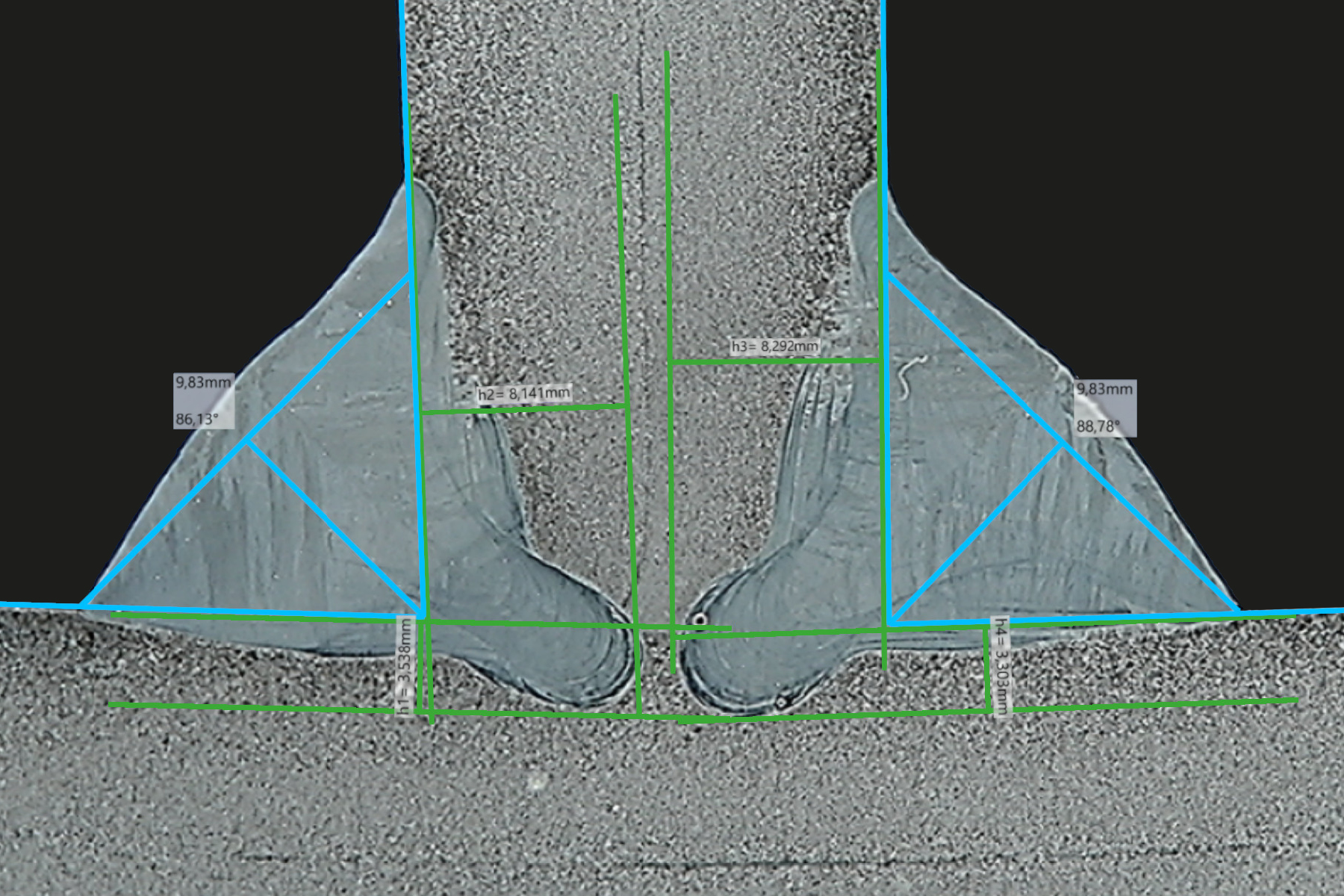
Welding seams
Fillet weld measurement with full range of intuitively operated measurement tools
- Easy adjustment of measuring lines
- Seam quality evaluation
- Recordable notes
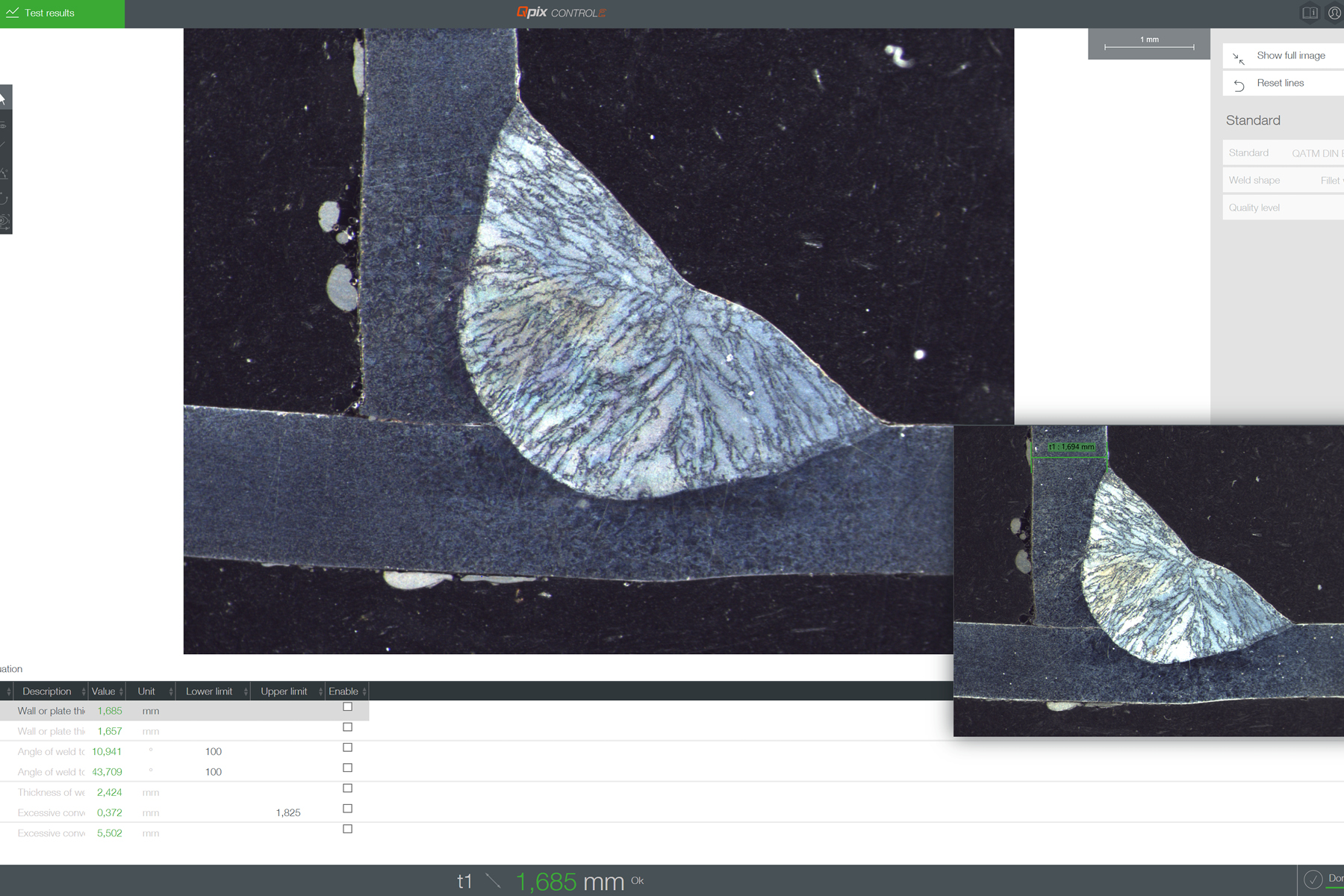
Template mode including reference image
Customised client templates can be saved along with a reference image of the survey and accessed at any time. Predefined survey elements and the QATM standard catalogue are also pre-installed in the system
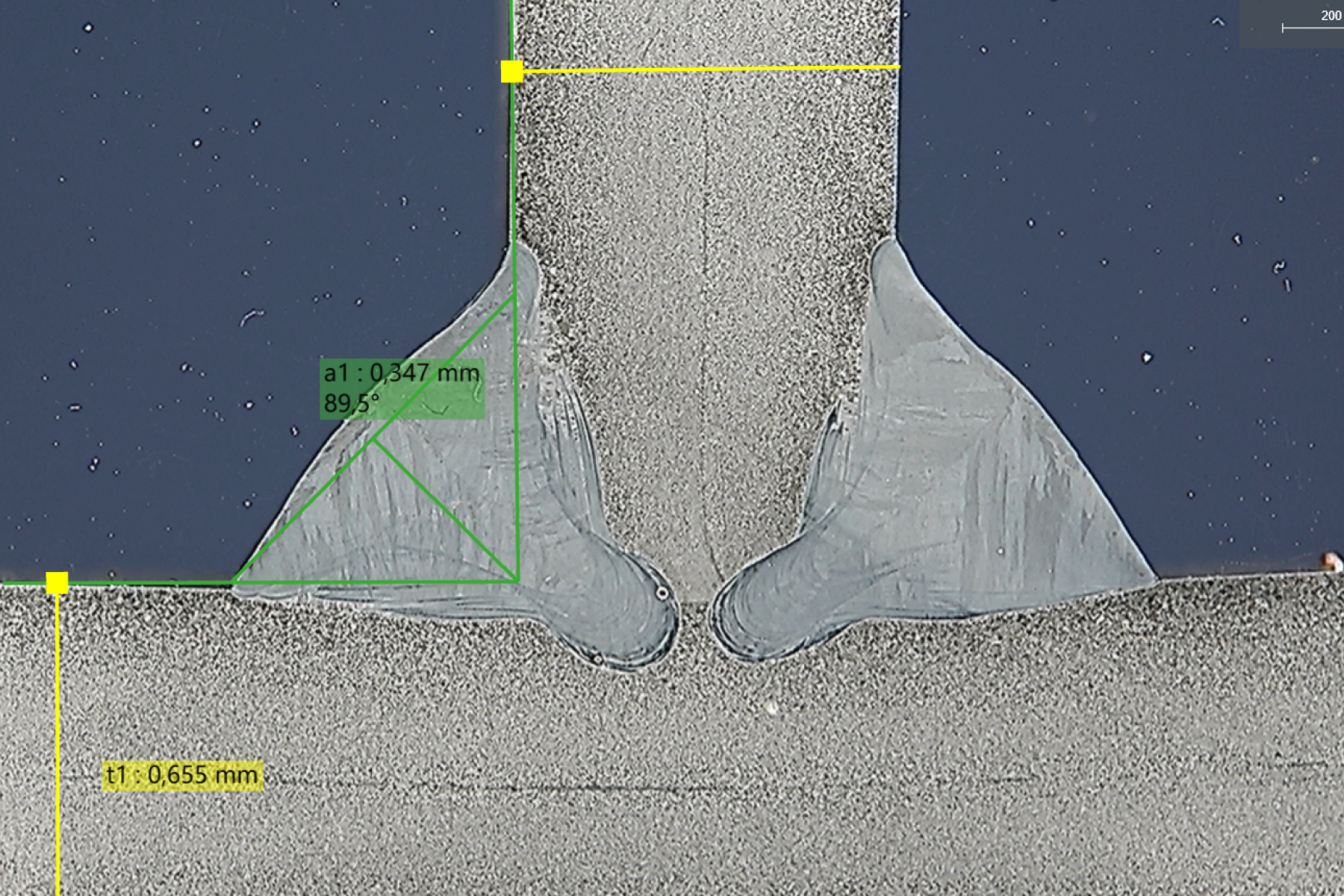
Snapping measurement lines
Different measurement lines can be linked together individual-ly and precisely aligned with one another. This allows complex measurement tasks to be carried out in a structured and efficient manner.
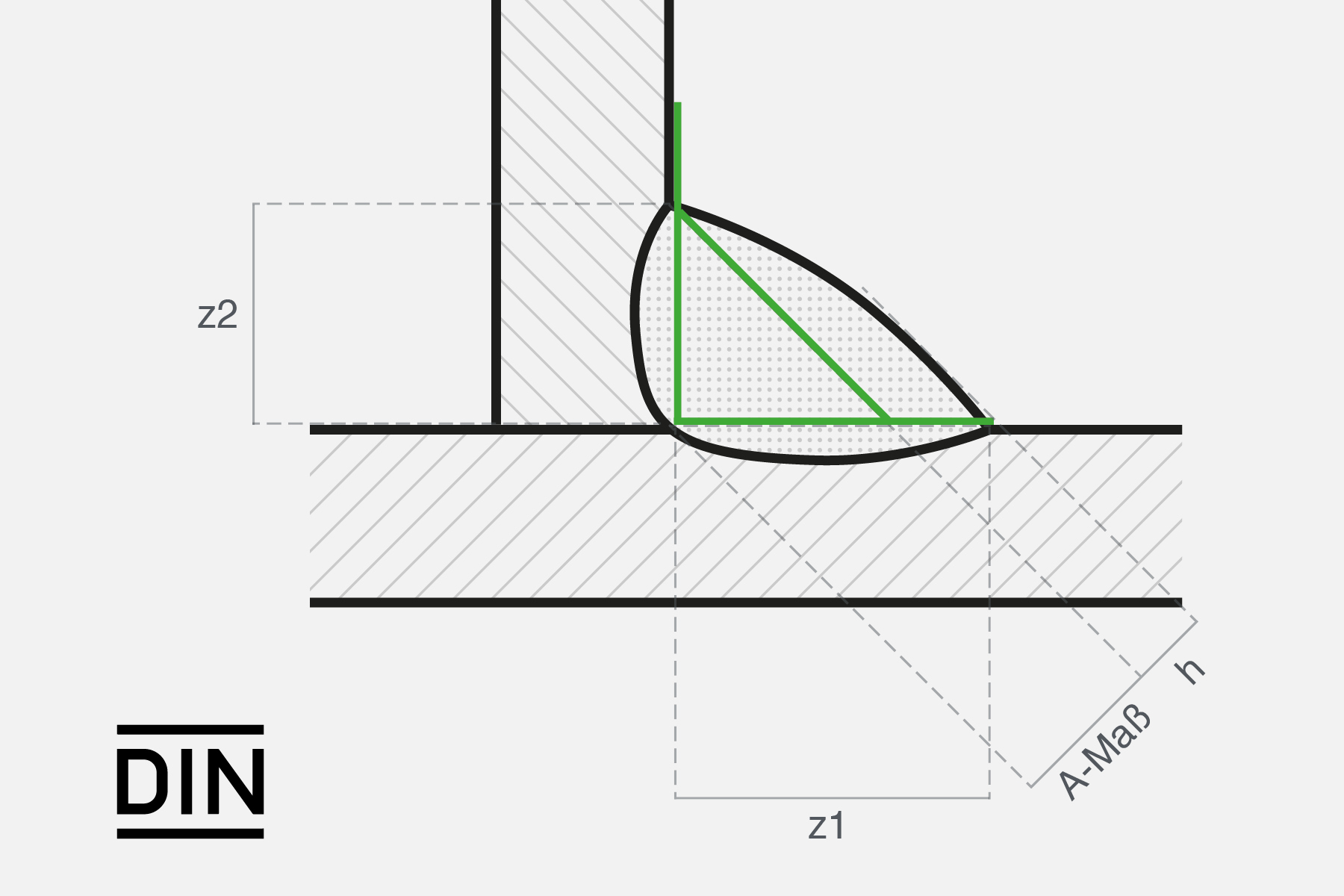
Standard-compliant test equipment
All necessary measuring tools are, of course, a basic component of the software for weld inspections according to DIN EN ISO 5817. For example: the A dimension, the depth of burn-in, evaluation limits and a standard-compliant inspection report.
Industry 4.0 Equipped For Today And Tomorrow

Professional Data Management
Benefit from clearly-structured batch management, the effective template use of various test projects, well-organised measurement results and all job information in the background. Once created, templates receive all requisite information about test samples, including test methods, designations and user-field information.

Automatic export functions
Many pro-level export functions are built into Qness solutions as standard. Raw data is exported into CSV/TXT and XML, report exports into MS Word, Excel, PowerPoint and PDF – as part-specific issues or as individual exports. All export configurations can also be stored individually for templates.

Barcode/QR code/DMC reader
Qpix software platforms support the use of barcode and QR code readers, simplifying workflows for inspectors and preventing operator error. Populating header data is simple (standard), and readers can be fully integrated to automatically select templates or retrieve data from higher-level systems (optional).

Qconnect
Qconnect is the interface in QATM Qpix Control2 software, providing customers with a full portfolio of inter-device connectivity - from serial production, open XML interfaces (bi-directional) and pre-specified plug-in solutions, such as the QDAS Plug-In+, through to customer-specific connectivity solutions implemented completely by QATM. We have a professional solution for every applicational requirement.

Fully-integrated system solution
The new Qeye can also be integrated into a test lab table. Adapted to individual requirements, height-adjustable and optionally available with a hardness tester for every laboratory.
Applications Standard Assessement of welds
Standard-compliant weld evaluation – structured and fully documented. The Qeye systems support the entire inspection process: from the custom configuration of your own inspection standards directly within the software, through the systematic identification of irregularities in accordance with DIN EN ISO 5817, to a complete, print-ready inspection report with evaluation groups. This ensures that every test meets the highest standards – in a traceable and audit-proof manner.
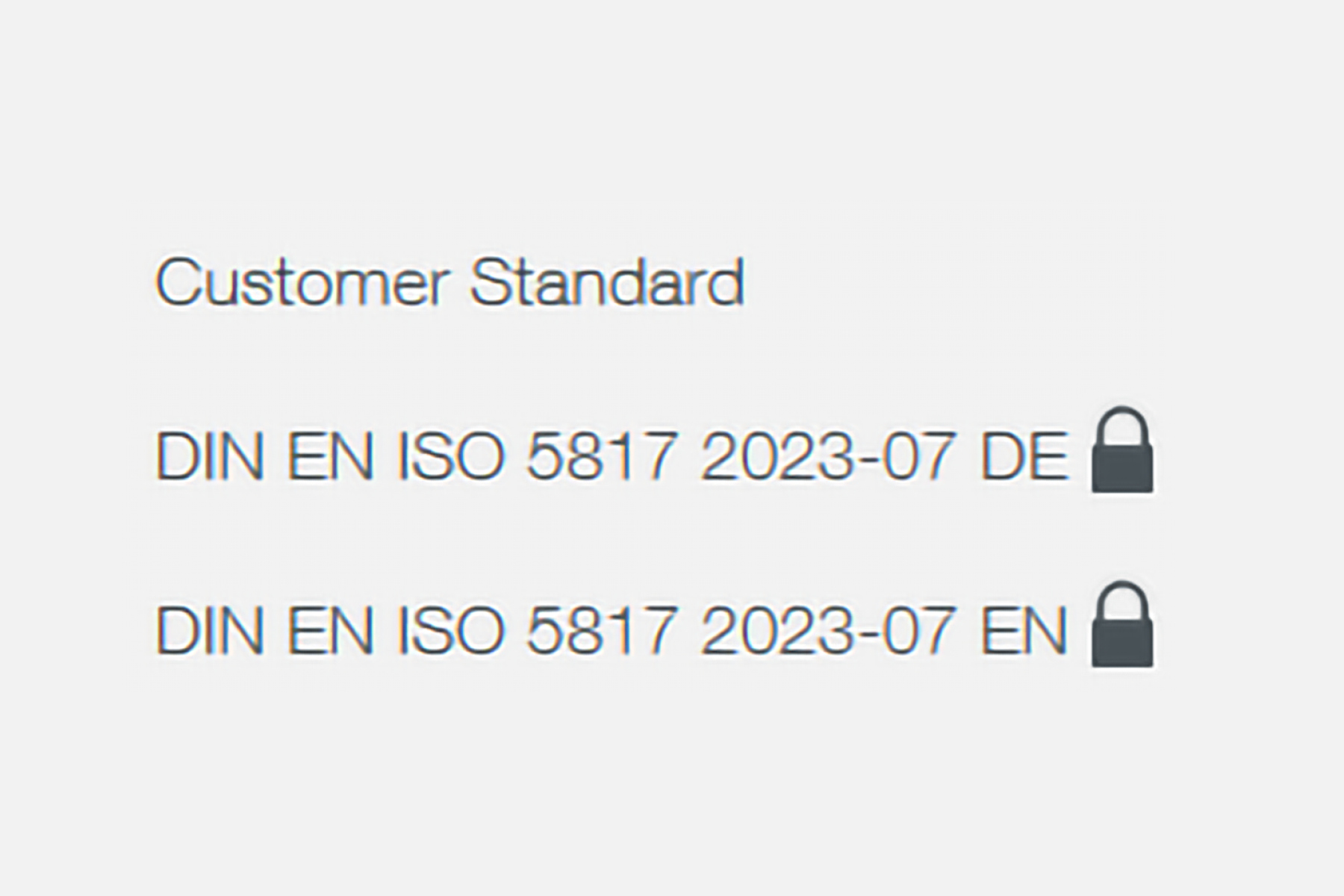
Create custom standards
Design standards exactly as you want them – directly within our software. This allows you to implement standards efficiently and adapt them flexibly to your specific requirements.
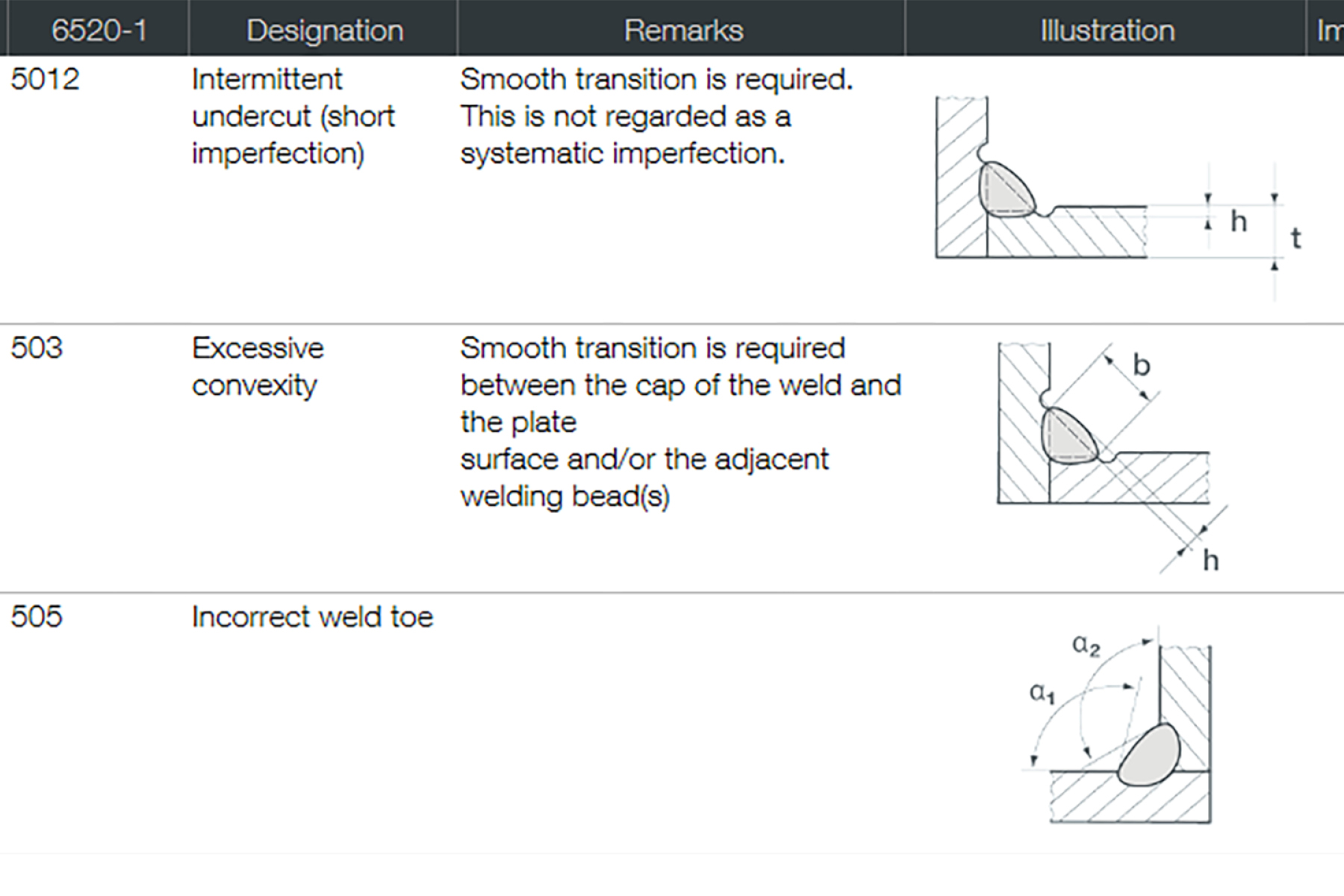
Identification of irregularities
Once the survey has been completed, any irregularities can be assessed in accordance with DIN EN ISO 5817.
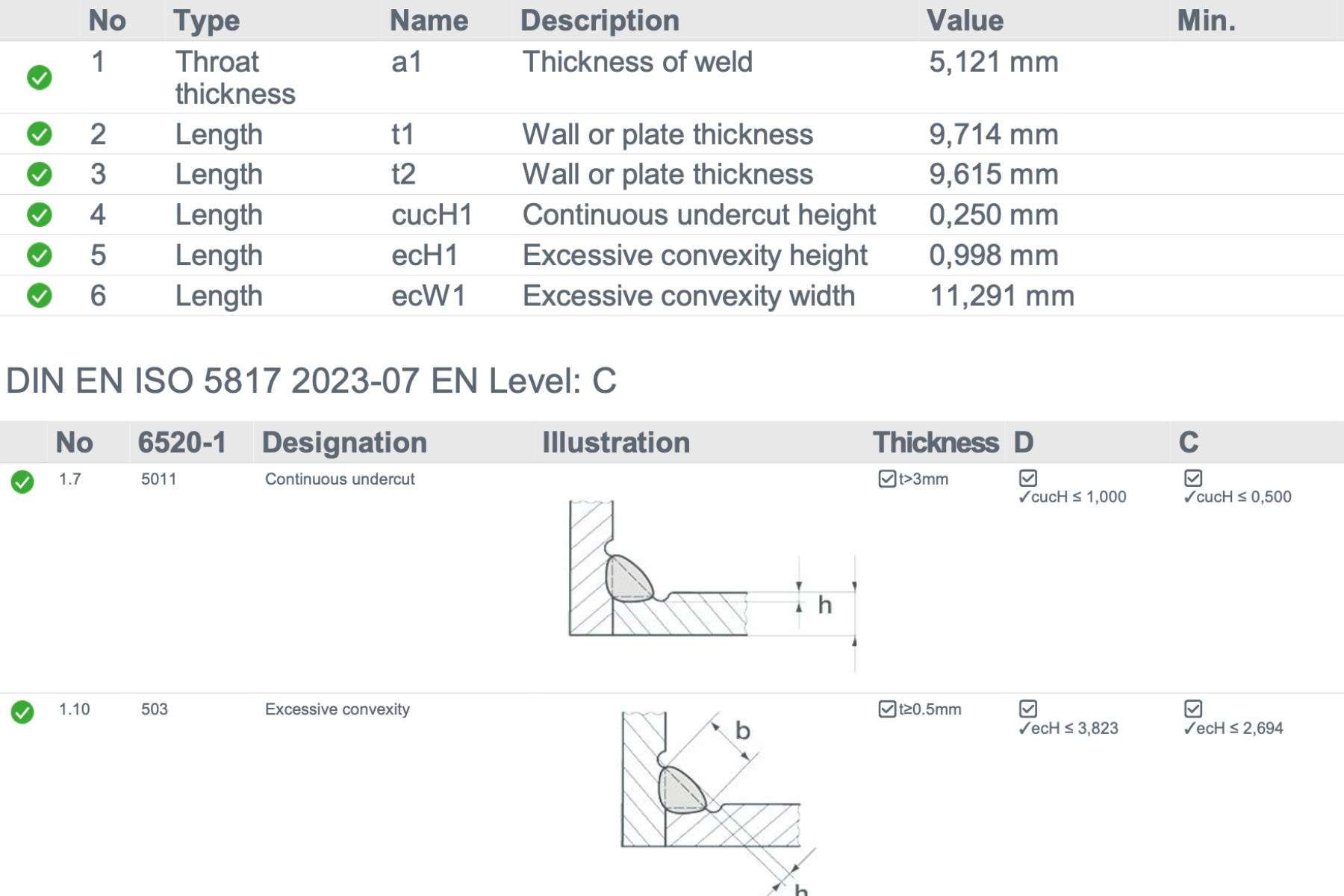
Standard test report
To ensure comprehensive documentation, all results can be included in a complete test report, including the evaluation groups
Accessories & tools Precise, clean and uncompromising

Sample carrier
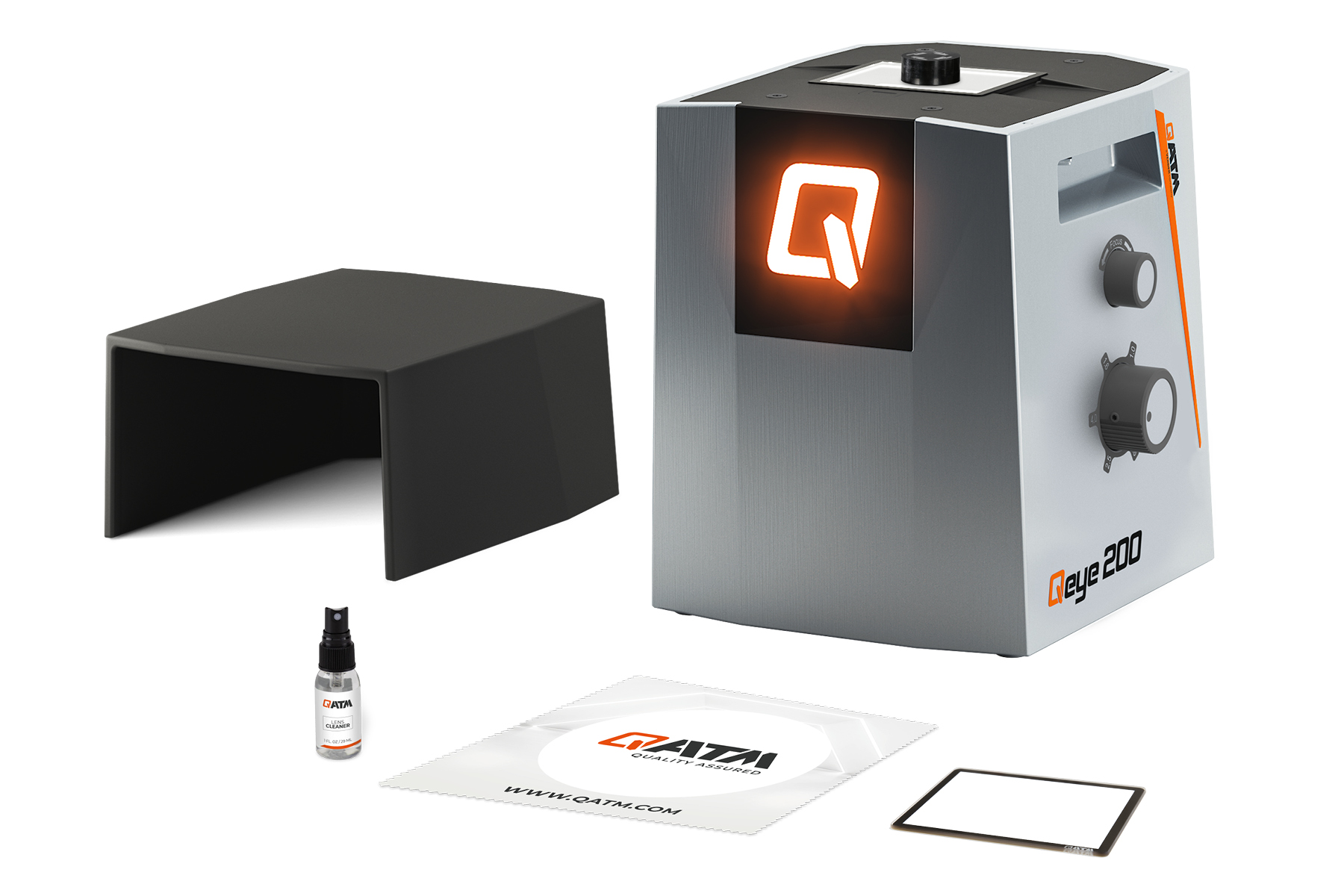
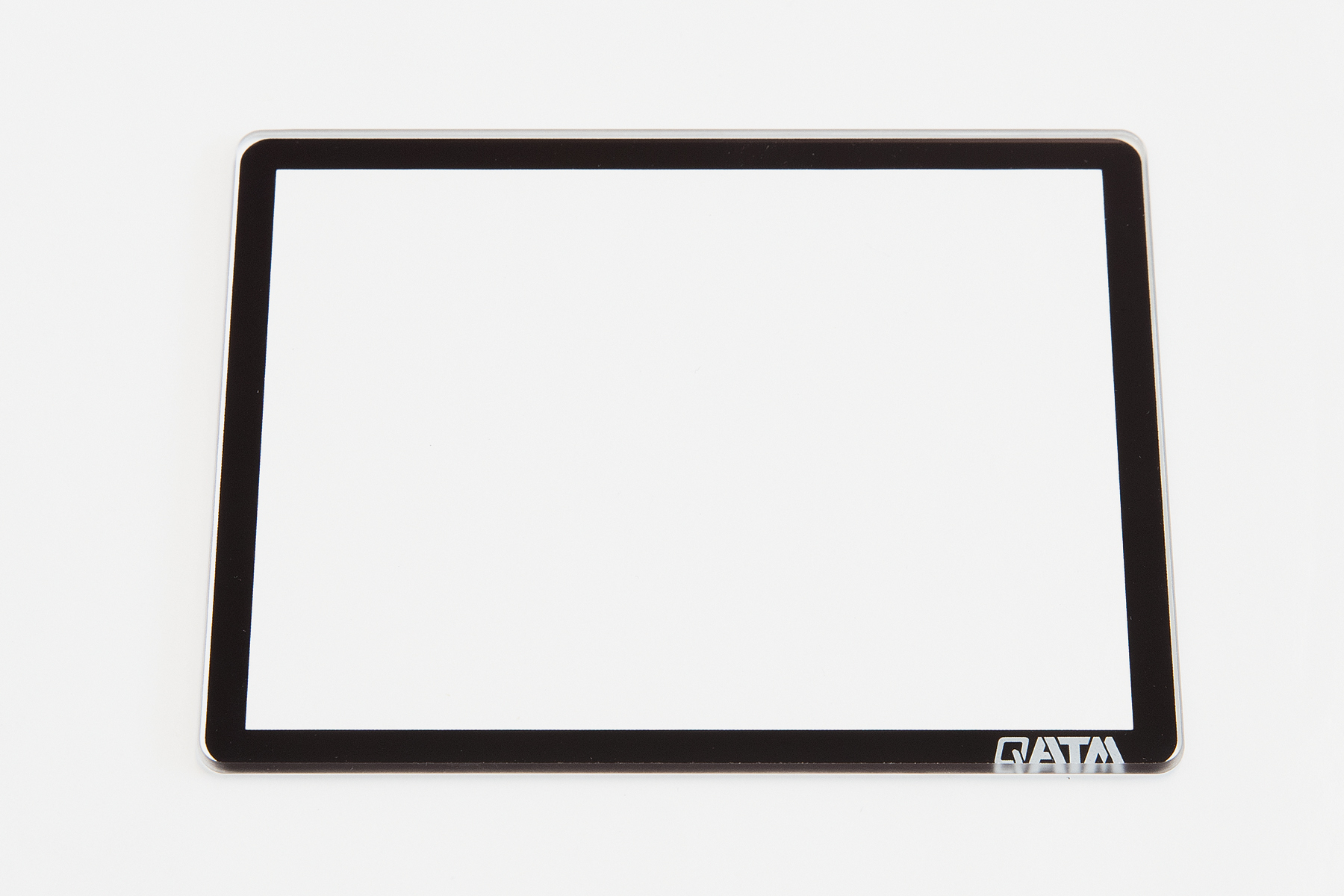
Small but extremely important tools for analytical purposes are sample holders. Available in sets of five, made from aluminium silicate glass (Gorilla Glass).

Qeye Cover
The Qeye shielding hood absorbs extraneous light and reflections are completely eliminated. Included as standard with every Qeye.

Object micrometer
A 50 mm object micrometer with a resolution of 0.1 mm guarantees easy and accurate control of optical magnification. Optionally available with a UKAS certificate.

QATM Cleaning materials
High-quality microfiber cloths, cleaning cloths and special glass cleaners for a perfect shine. We recommend the use of specially-developed QATM cleaning material only.
Technical Data

| Field of view | 23,7 x 17,8 mm - 3,7 x 2,8 mm (0,933 x 0,7“ - 0,146 x 0,11“) |
|---|---|
| Zoom levels | 0,63x - 1x - 1,6x - 2,5x - 4x |
| Camera | 4K Ultra HD - 12 Megapixel - USB 3.0 |
| Illumination | IAI - LED unit (Intelligent Area Illumination) |
| Software | Qpix Control2 |
| Machine operation | external PC system (Windows 11 64-bit) |
| Dimensions glass sample carrier (L x W x H) | 95 x 75 x 2 mm (3.7 x 3.0 x 0.08“) |
| Max. sample weight | 5 kg (11 lbs) |
| Interface | 1 x USB 3.0 |
| Power connection | 100 - 240 V ~1/N/PE, 50 - 60 Hz |
| Power Consumption | Idle: ~35 W | Operation: ~60W | Max. ~100 W |
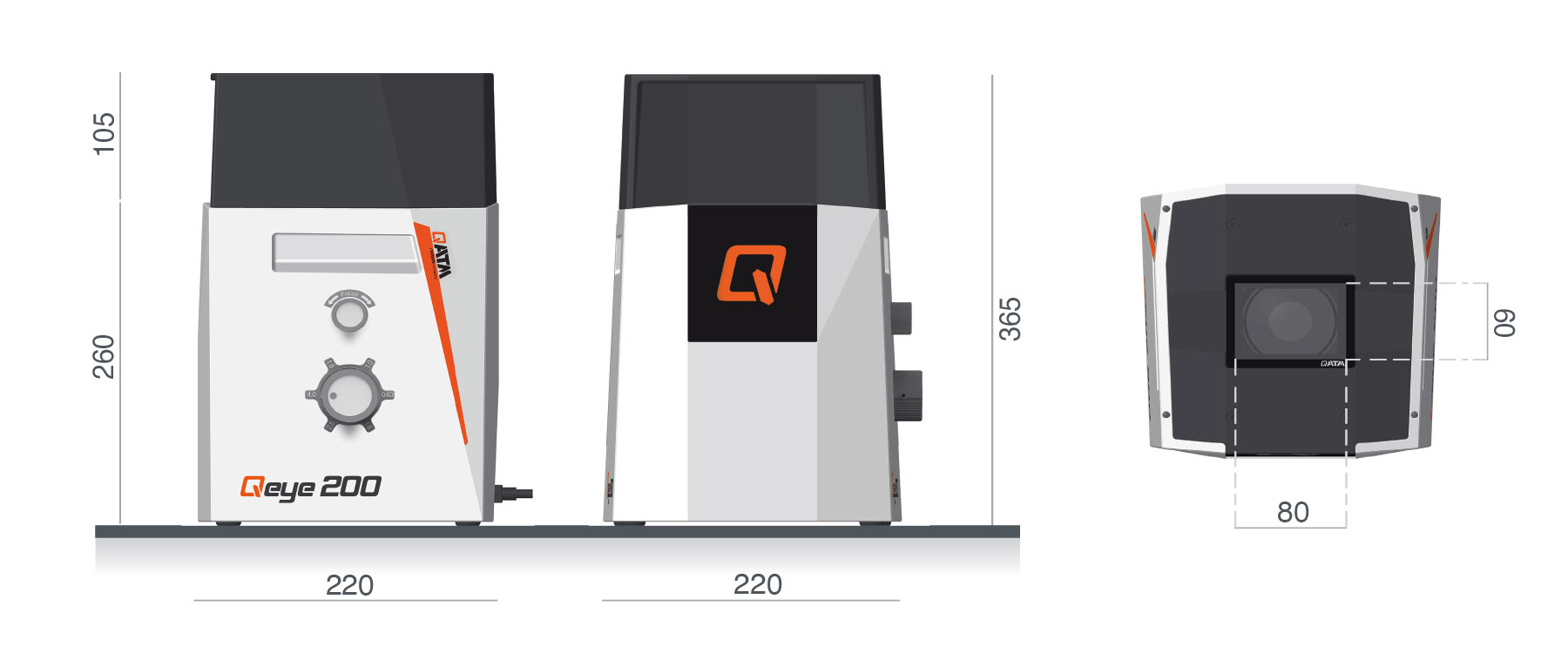
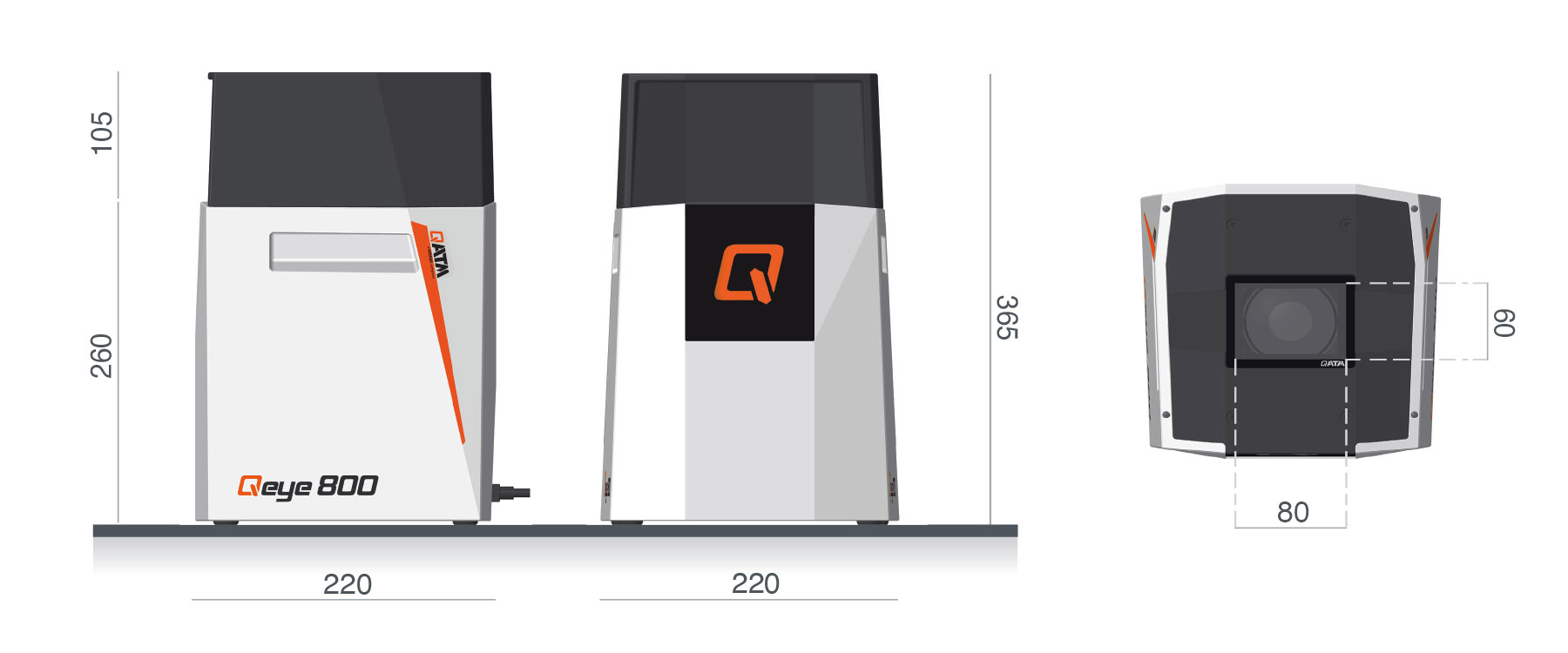
| Dimensions | 220 x 220 x 260/365* mm (8.7 x 8.7 x 10.2/14.3“) *inkl. Qeye cover |
| Space requirement | 300 x 300 mm (11.8 x 11.8“) |
| Weight | 16 kg (35.3 lbs) |
| Ambient temperature | 18 - 28 °C (64 - 82 °F) |
| Humidity maximum | maximum 70 % - non-condensing |

| Field of view | 80 x 60 mm - 16 x 12 mm (3.1 x 2.4“ - 0.63 x 0.47“) |
|---|---|
| Zoom levels | 1x - 1.5x - 2x - 2.5x - 4x - 5x |
| Camera | 4K Ultra HD - 8.5 megapixel - USB 3.0 |
| Illumination | IAI - LED unit (Intelligent Area Illumination) |
| Software | Qpix Control2 |
| Machine operation | external PC system (Windows 11 64-bit) |
| Dimensions glass sample carrier (L x W x H) | 95 x 75 x 2 mm (3.7 x 3.0 x 0.08“) |
| Max. sample weight | 5 kg (11 lbs) |
| Interface | 1 x USB 3.0 |
| Power connection | 100 - 240 V ~1/N/PE, 50 - 60 Hz |
| Power Consumption | Idle: ~35 W | Operation: ~60W | Max. ~100 W |
| Dimensions | 220 x 220 x 260/365* mm (8.7 x 8.7 x 10.2/14.3“) *inkl. Qeye cover |
| Space requirement | 300 x 300 mm (11.8 x 11.8“) |
| Weight | 16 kg (35.3 lbs) |
| Ambient temperature | 18 - 28 °C (64 - 82 °F) |
| Humidity maximum | maximum 70 % - non-condensing |